- What is Mobile App Design and Development?
- Key Stages of Mobile App Design and Development
- Strategic Discovery & Definition
- Modern Design: Moving Beyond the Screen
- Development: The 2026 Tech Stack
- The Agile Delivery Pipeline
- Post-Launch: The Feedback Loop
- Get Started With Webnhubs for Mobile App Design
Mobile apps have come a long way. As per Precedence Research’s Report, “The global mobile app market was valued at more than US$330.61 billion in 2025.”
But mobile apps are not about being used on the go. Now people want mobile apps to be smart and easy to use.
Apps need to be fast and work well from the start tap. This means that app design and development have to come together. They cannot be separate tasks anymore.
Today, making a great mobile app is like making something that people will really enjoy using. It is about more than just making a mobile app that works.
Everything about the app matters. How the mobile app looks, how it works, it all counts. That is why in this blog, we will talk all about mobile app Design and development.
More so, we will discuss the steps on how apps are designed, developed, and improved, for that matter.
So, without any further ado, let’s get right into it.
What is Mobile App Design and Development?
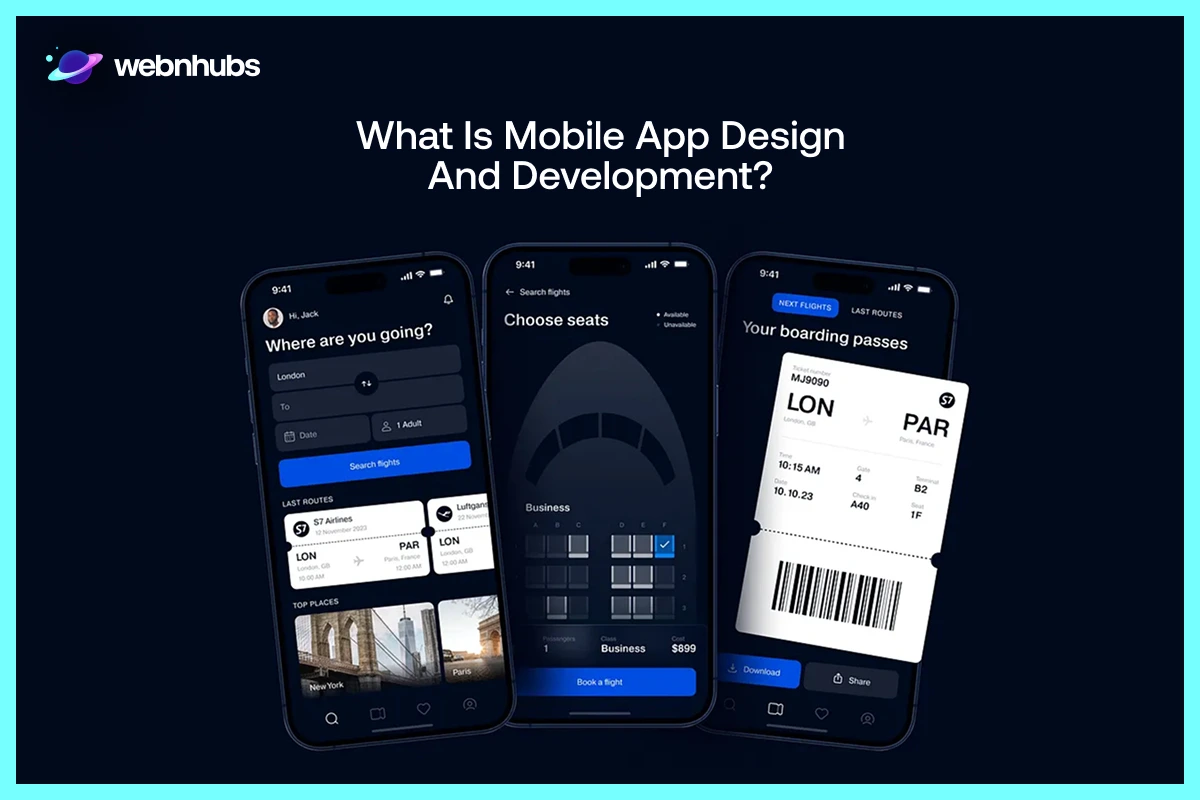
Mobile App Design and development refers to creating mobile apps. These applications are developed for use on mobile phones and tablet devices.
The process begins with the development team creating an initial concept for the mobile application functions.
More so, who is going to use it also comes into question. Next, teams work on the design of the app.
If you are wondering what is app design, well, this is about how the mobile app looks. It is also about how it feels when people use it.
After the design is done, devs start to build the app. They use code to make the mobile app work.
The main goal of making an app is to create a mobile app that is easy to use. More so, it is about making sure it looks really good.
The heart and soul of creating an app is to make sure the app helps people with something they need.
A good app is one that makes users happy. It is also the one that keeps users engaged. An app that ticks will make users come back and use it repeatedly.
Ready to Bring Your App Idea to Life?
Partner With Webnhubs for Mobile App Design and Development.
Key Stages of Mobile App Design and Development
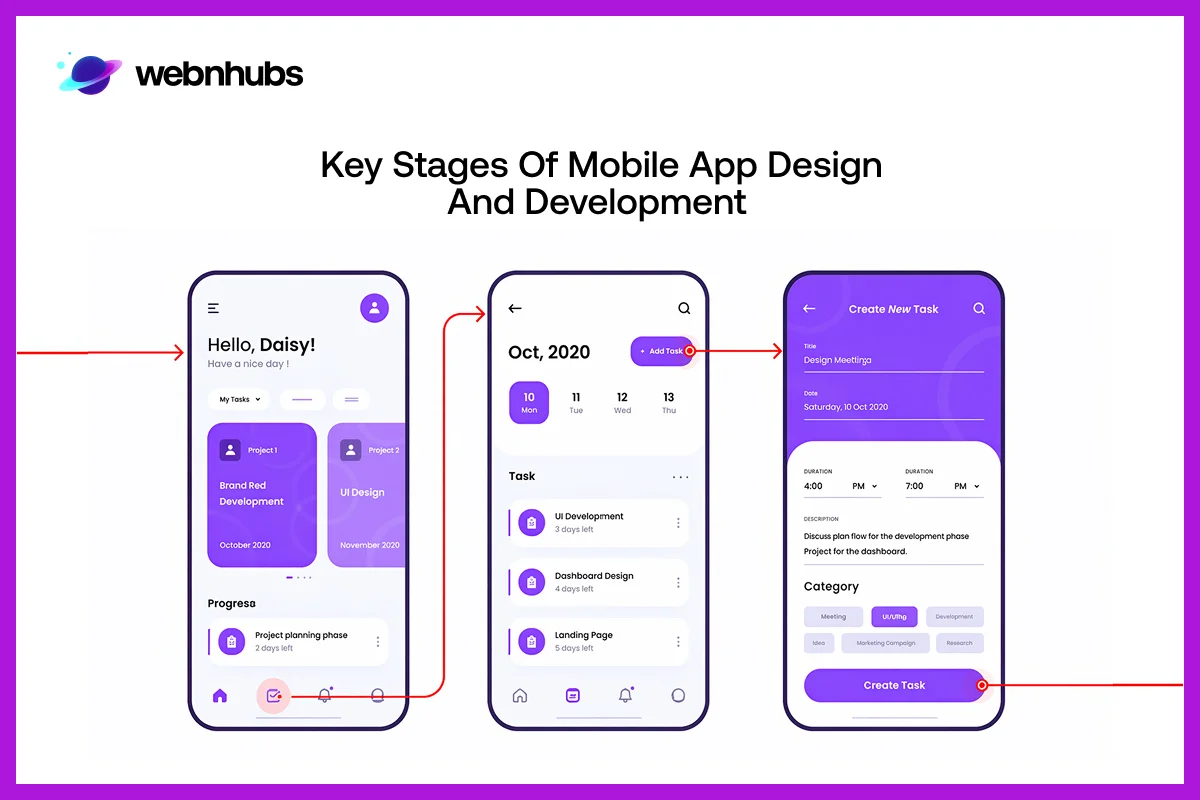
Mobile app design and development follow a few key stages. This is to ensure the app is built the right way. It begins with planning and research.
This is done to understand the app idea and users. Next comes design, where the app’s look and flow are created. Then developers build the app.
It is followed by testing to fix issues. Last but not least, the app is launched. After that, it is updated regularly to improve performance and UX.
Strategic Discovery & Definition
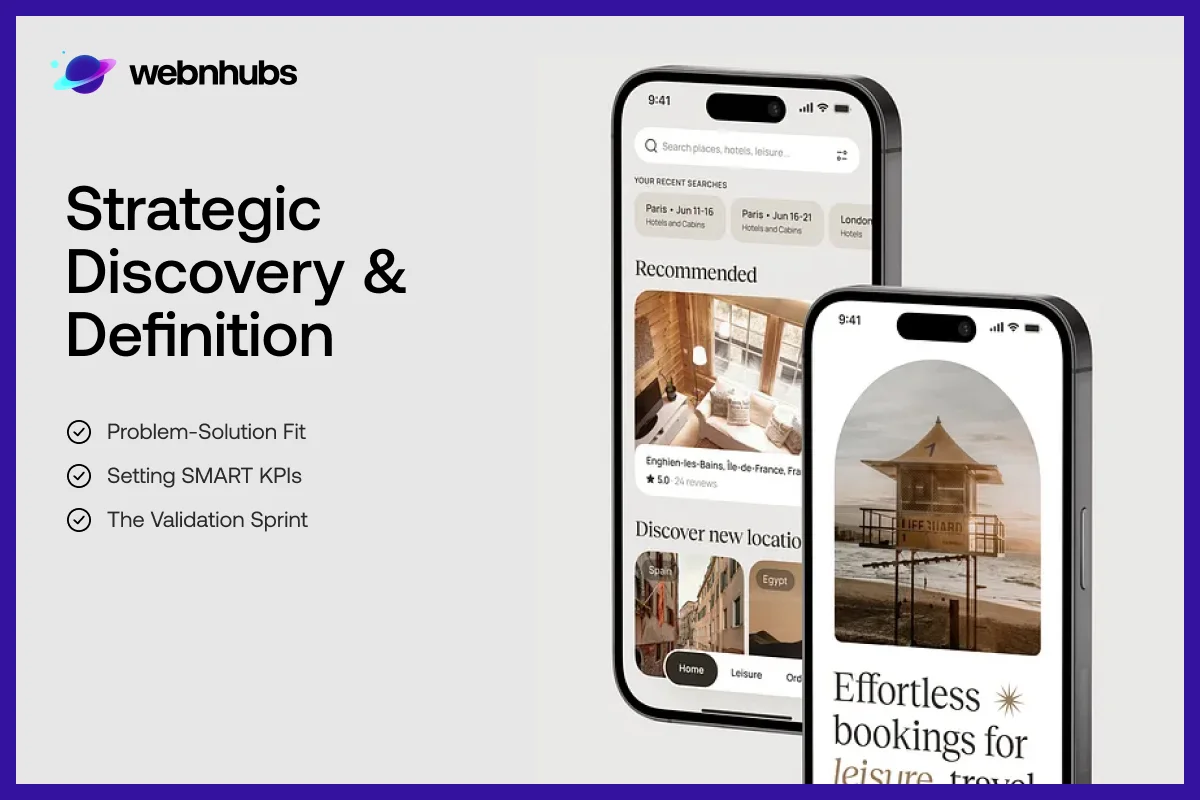
This is the first step where ideas become clear plans. Teams research users, goals, and market needs.
It helps define what the app should do and why it matters, so everything built later has a strong and focused direction.
Problem-Solution Fit
This step focuses on making sure your app idea solves a real problem people actually have. Teams use data, user feedback, and research to test the idea’s purpose.
If users truly need the solution, the app has a strong foundation. This reduces risk and avoids building something people won’t use or find helpful in real life.
Setting SMART KPIs
At this point, teams figure out what they want to achieve with the app. They set goals that are easy to understand.
More so, these goals can be measured. The term SMART is what is used to describe these goals.
This means the goals are specific, measurable, achievable, relevant, and time-based. For example, teams look at how the app loads.
More so, they look at how smoothly it works as well as how many users come back to use it again. By looking at these things, teams can see what is working.
They now know what they should upgrade next. Thus, they can know how near they are to getting what they need from the app.
The Validation Sprint
The teams create basic prototypes. It serves as an early app version before they begin developing the final app version.
The teams display their app prototypes to actual users. The users then interact with the application.
This process allows them to discover the actual user opinions about the application. The teams conduct this testing to determine whether any defects exist within the application.
The teams use this information to improve their application development process. This process results in time and cost savings for the teams.
The teams need to confirm that users will enjoy using the final app they will develop.
Modern Design: Moving Beyond the Screen
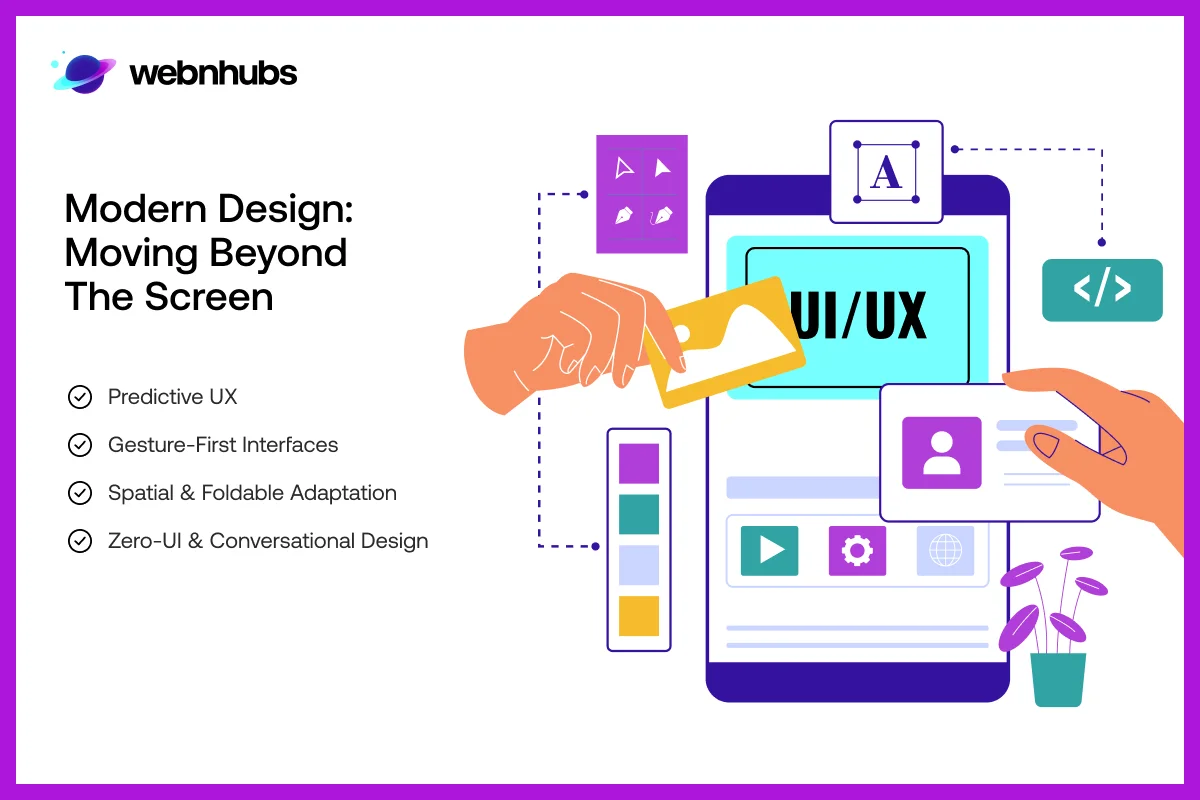
Modern app design is not just about how to design an app that looks good anymore. It is about making apps work smoothly. It needs to feel natural.
More so, users want interactions to be easy and quick. That is why apps can now respond to what users do. They can also sense devices and surroundings.
The aim is to make using apps feel simple. It should not be hard work. Interactions must feel smooth. And it must be that way across all devices.
Predictive UX
Predictive UX uses smart technology like machine learning to understand user behavior. It studies what users do and suggests actions before they even ask.
For example, showing frequently used options or helpful suggestions. This makes apps faster and easier to use, reduces effort, and creates a more personalized experience that feels helpful and intuitive.
Gesture-First Interfaces
Gesture-first design is about using simple hand movements. These movements could be swiping, tapping, or pinching, for that matter.
This is to use apps without using buttons and icon design. Gesture design makes apps really easy to use with one hand.
This is especially true on devices. When you use gesture design, it feels smooth and quick. It is like the app is responding to what you are doing.
If you add some feedback, like small vibrations to a gesture-first design, it makes the whole experience more engaging. The app feels more responsive to the user.
Zero-UI & Conversational Design
The Zero-UI design is really cool. It lets users use the app without them having to look at the screen all the time.
They can use it via voice commands. It will allow them to walk with the app. The app will do what they want. It will give automatic responses as well.
Conversational design makes the app feel like you are chatting with a person. Thanks to it, you no longer have to glare at the display too much.
This means you can use your devices less. It is easier on the eyes, too. It is also less tiring to use the Zero-UI design.
Spatial & Foldable Adaptation
All modern apps have been designed to function across various screen types. This is similar to Mobile Friendly Website Design.
This design includes support for both foldable smartphones and devices that operate with augmented reality.
The applications modify their visual appearance to match the size of each screen when users operate them.
It enables seamless operation across all devices because it maintains optimal performance throughout. Also, Graphic Designers ensure apps provide an attractive visual design.
People can use the app across multiple devices without facing any issues. The app maintains a consistent look everywhere.
Want an App That Users Love and Trust?
Let Webnhubs Craft Intuitive Mobile Experiences for You.
Development: The 2026 Tech Stack
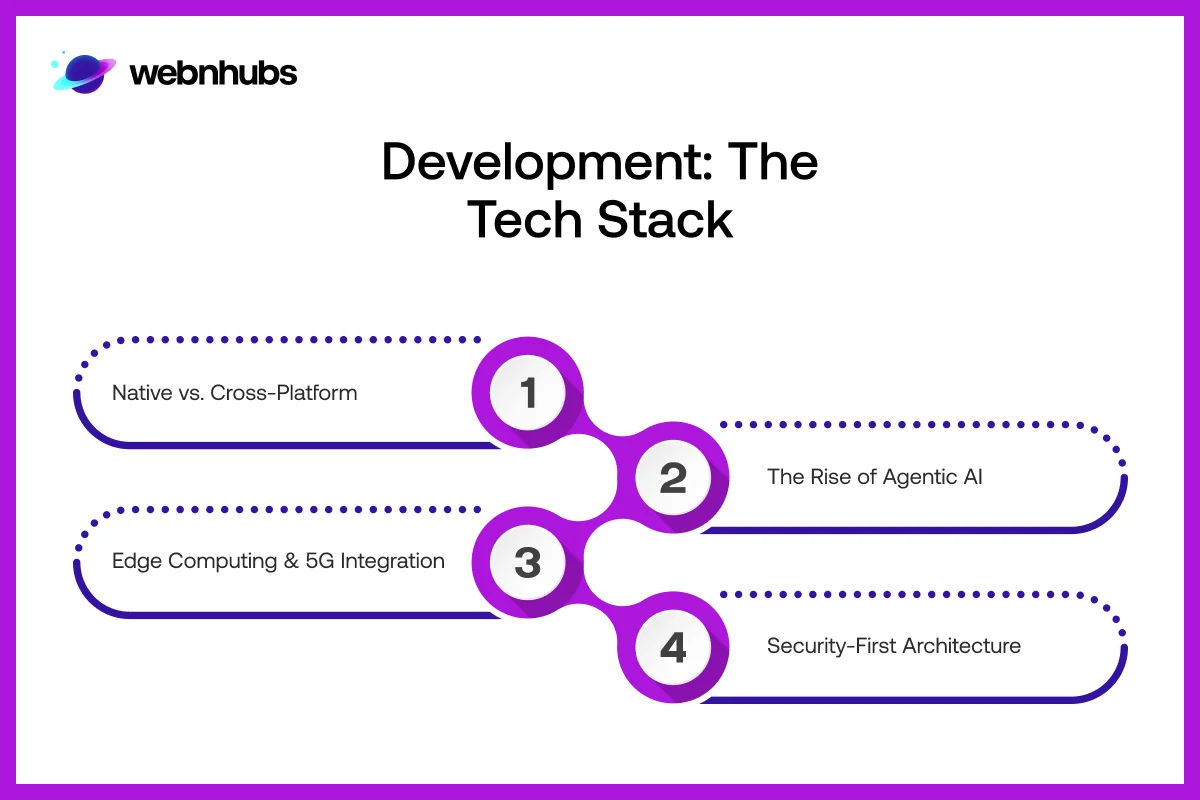
Making apps in 2026 is really fast and smart. Devs use the latest and greatest tools and tech to build apps that work very well.
The devs think about how fast the app is. More so, they think about its security. Teams look at how easily they can make changes.
That is why picking the appropriate tech is a must. With it, Devs can create apps that tick. Also, the apps can easily be updated down the line.
Native vs. Cross-Platform
The devs select one development method from the two available methods. The methods are native development and cross-platform.
Devs create native applications via Swift and Kotlin programming languages. These languages create apps for one platform. Native apps work the best.
Cross-platform tools like Flutter or Kotlin Multiplatform are also available. They let you use one codebase for platforms.
This is helpful because it saves time and cost. You can still get performance and a consistent UX across devices.
The Rise of Agentic AI
Agentic AI is changing how apps are built. These smart tools help devs write code. It also helps them find bugs as well as improve performance right away.
Instead of doing everything by hand, devs get help from AI during the process. This makes development faster. It also reduces mistakes.
These tools help create reliable apps with less work. It also allows them to create apps in less time. It is safe to say these things make life pretty easy for devs.
Edge Computing & 5G Integration
Edge computing helps apps process data near the user instead of sending it to the cloud. This makes apps faster and better. With 5G networks, edge computing reduces delays.
Apps get quicker and smoother. It also makes apps more secure. Edge computing handles user data locally. This way, it does not rely fully on servers.
Security-First Architecture
Security is very important when building apps. To keep users safe, teams have to think about security from the beginning.
This means using things like encryption to protect user data. It also means adding biometric access. This includes fingerprints and face recognition.
It is to make sure only the right people can get in. Another thing is zero-trust systems. They are always looking for breaches and threats.
By taking these measures, teams can keep apps safe. It eases people to know that their data is confidential and safe.
The Agile Delivery Pipeline
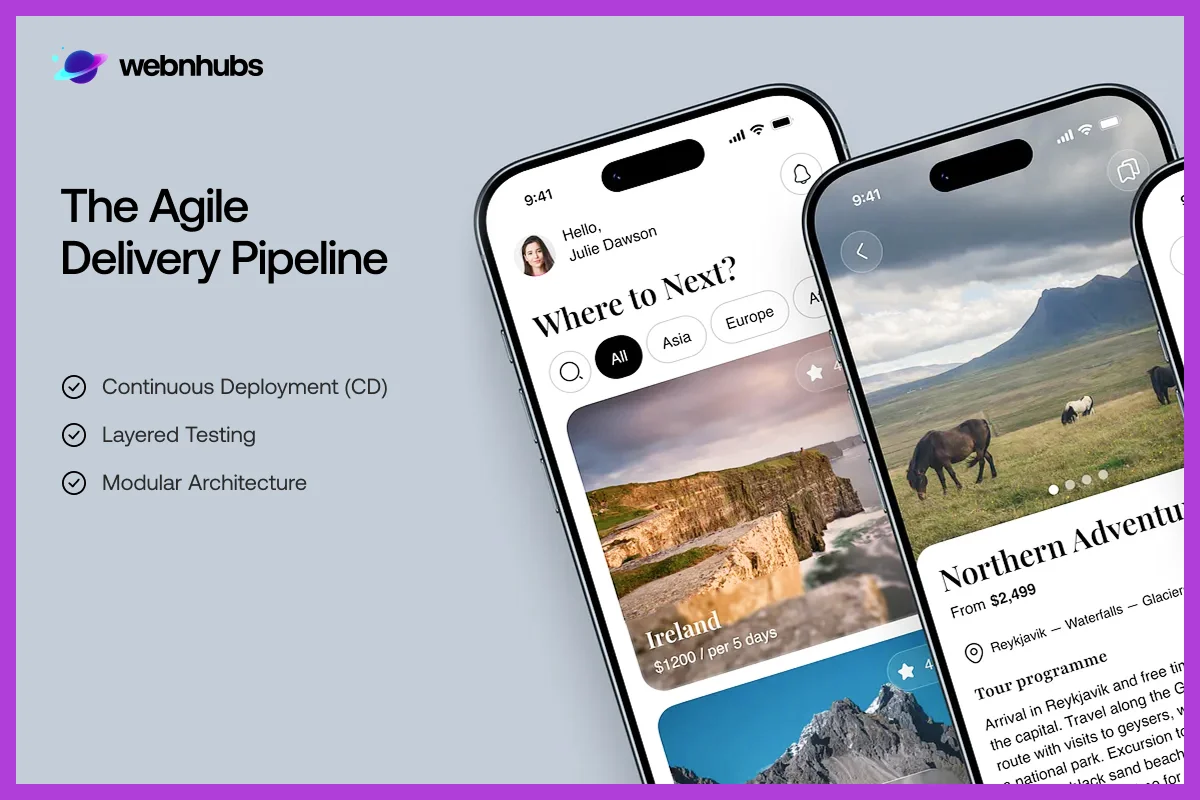
The Agile delivery pipeline is really helpful for teams. That is because it lets them build and launch apps faster. It is more efficient.
It breaks down the mobile app design and development process into small bits. This makes it a lot easier for teams to test the app.
They can then make it better or update it regularly, for that matter. This approach keeps everything in place.
More so, it allows teams to make changes easily. They can also catch any problems early. It makes sure the app is of good quality.
Continuous Deployment (CD)
Continuous Deployment is about automating the process of sending app updates from development to app stores.
It helps move code through testing. Then it can go live once it is ready. This approach saves time.
It also reduces manual work. This results in faster release of new features and fixes. The app stays fresh and current with it.
Layered Testing
Layered testing checks the app at multiple levels to make sure everything works right. It includes checking parts. This is called unit testing.
Integration testing makes sure these small parts work together. Then UI testing looks at how the user interacts with the app.
This testing process helps find bugs early. It also makes sure the app runs well. It also ensures the app does not crash often.
The complete process gives confidence that the app works properly.
Modular Architecture
Modular architecture means building the app using smaller, reusable parts instead of one large system.
Each part of the app handles a function. It can also be updated separately. This is really helpful. That is because it makes the app easier to manage.
The app is also faster to update. It becomes more flexible. When the app grows, the devs can make the app bigger without breaking the existing features.
Post-Launch: The Feedback Loop
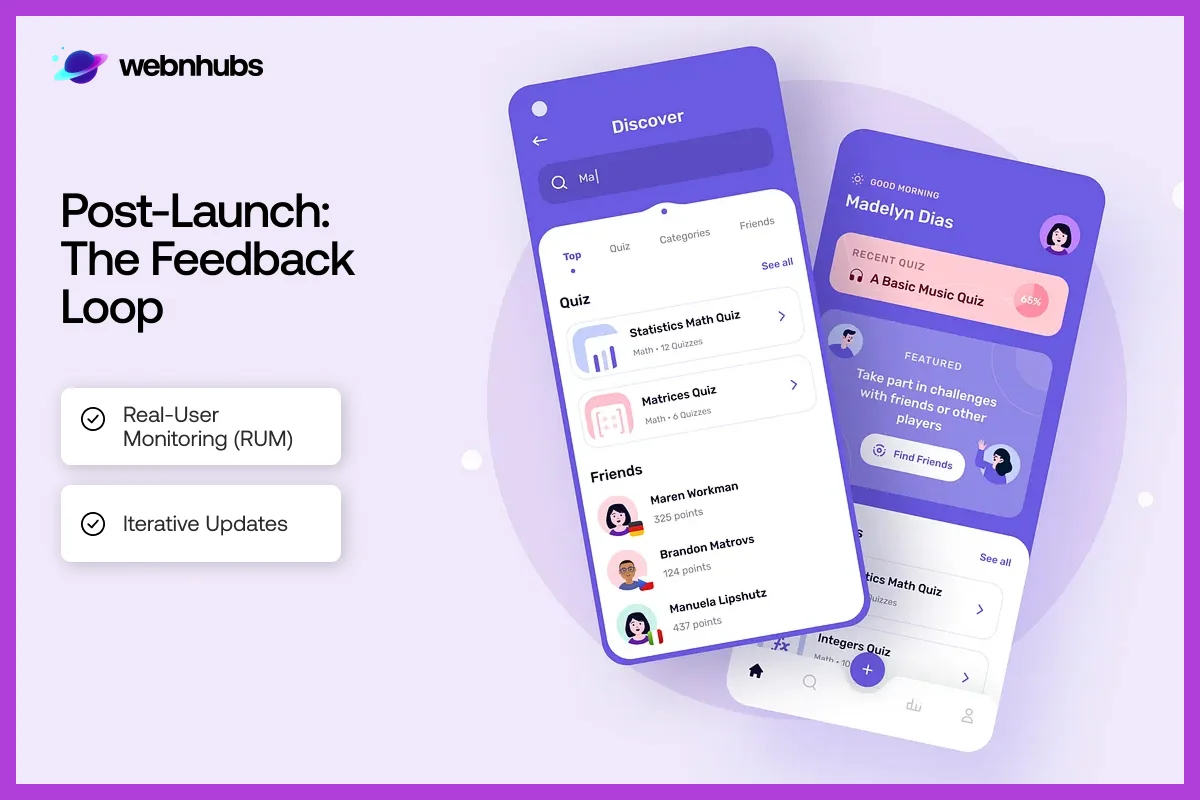
When teams launch the app, that is not the end. Instead, it is just the beginning of things.
Firms then look at how the app is being used by users. They use this information about the app to make it better. This means they fix problems with the app.
More so, they add things to the app. They make sure users of the app are happy with it. The app gets better over time thanks to this.
Real-User Monitoring (RUM)
Real-user monitoring shows how folks interact with the app during their regular activities. It uses analytics and heatmaps as tracking tools.
This is akin to benchmark – mobile app planning and design. It monitors user interactions with the app.
It also shows where they scroll or where they might get stuck, for that matter. This helps teams understand what users are really doing. They find things that need work.
This way, they can make the app better. By using RUM, they make decisions based on data. They do not do so with just guesses.
Iterative Updates
Iterative updates mean making the app bit by bit. Teams release an MVP version that works, then make changes based on what users say. This way, they can launch the app quickly.
More so, they can learn from users and make changes fast. It helps the app keep growing. The app can get better with real needs.
Get Started With Webnhubs for Mobile App Design
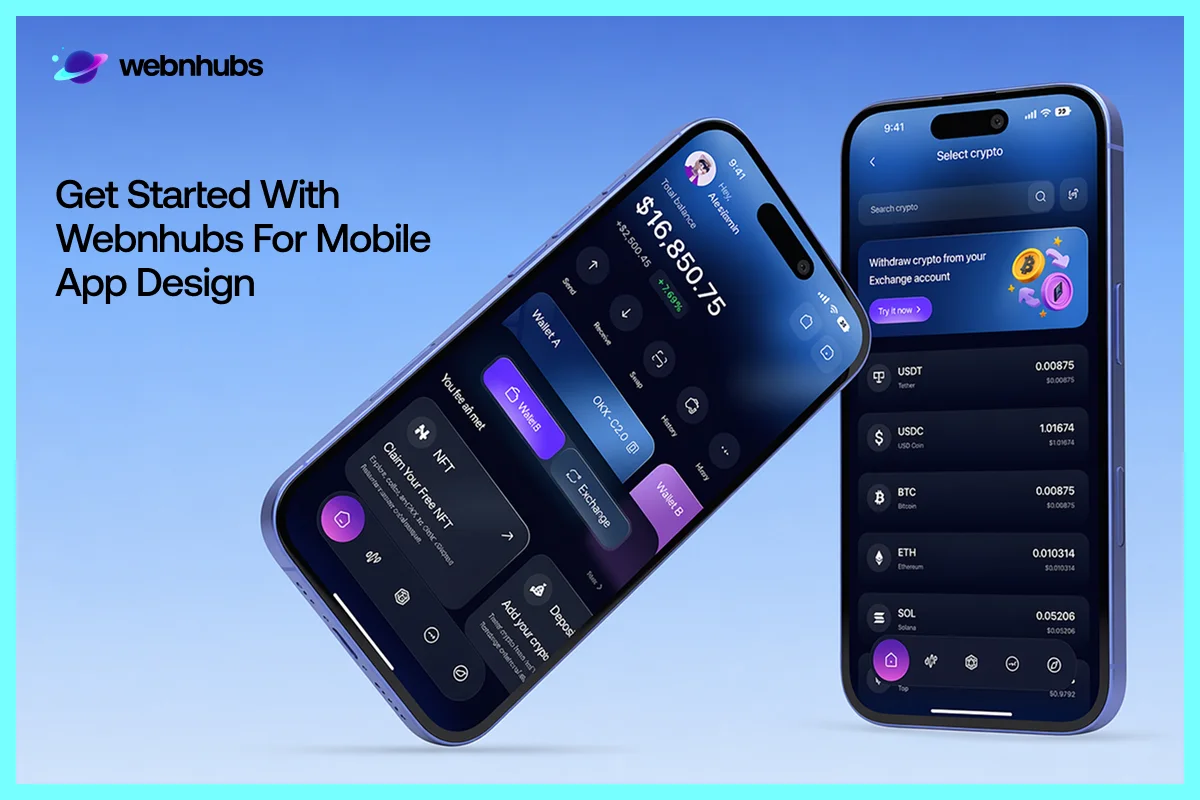
If you have an idea for an app and are looking to design it, then there is no better design agency to get it done than Webnhubs.
Webnhubs is a leading web and app design agency. We provide the best App Design Services.
We are experts in designing and developing mobile apps along with affordable web design. Our apps, like the Seek Art mobile app design, look nice and work well.
More so, Webnhubs use the latest and greatest tech for designing a app that people really like. So, partner with Webnhubs and let us help you bring your app design idea to life.
We will be designing a mobile app just the way you want it so that it can help grow your brand.
Final Thoughts
So, there you have it, folks, that is it for this blog on mobile app design and development. We hope that the mobile app development tips we gave on custom Android mobile app design and development can help you know the ins and outs of making an app. As you know, there is a lot that goes into creating an app. And the future of apps is not just about cool technology. Instead, it is about making experiences that people really like and trust.
The best apps think about users first. So, you must remember a golden rule. That is to make the app fast and design it to make people trust it. When you make your app with people in mind, people will like it every time they use it. And if you do not know how to build a mobile app and need help, you can consider Webnhubs for the job. Webnhubs will help you to design mobile applications your way and make them look nice as well as work fast.
Frequently Asked Questions
Agentic AI speeds up development. It does so by automating coding, bug detection, and optimization. It reduces manual work. Also, it shortens traditional timelines.
Apps must support foldable screens. They must work on AR devices and adaptive layouts. This is to make sure the content scales. The app must interact smoothly in 3D spaces.
Edge AI processes data locally. It keeps sensitive user information on the device. This reduces security risks. It also improves response times.
Zero-UI relies on voice. It also relies on gestures and ambient cues. This enables users with physical or visual limitations to interact better.

Sultan Hanif is a seasoned wordsmith, who brings technology trends and innovations to life through his words. A tech-savvy gamer with a passion for all things football, Sultan blends his technical knowledge with creative storytelling to empower businesses and individuals alike.
