
- What is a WordPress Website?
- How Much Does it Cost to Build a WordPress Website?
- How to Build a WordPress Website?
- Phase 1: The Invisible Foundation
- Phase 2: The Modern WordPress Setup
- Phase 3: Design Freedom vs. Performance
- Phase 4: Integrating the AI Layer
- Phase 5: The Essential Seven Plugin Stack
- Phase 6: Pre-Launch Quality Assurance
- Get Started With Webnhubs to Build a WordPress Website
Here is a shocking truth: most WordPress sites that are built today will Not Pass Google’s speed tests!
Why is that, you might ask? It is because they are slow and messy. More so, they have a lot of stuff on them.
This is where the clean code mindset comes in. You should think of your WordPress site as a tool to turn visitors into customers, not a blog.
You need to do things in a smart way, not a hard way. A WordPress site that is fast, as well as secure and easy to navigate, ticks all boxes.
It looks good and works better. More so, people can find it more easily. That is why we will talk about how to build a WordPress website the right way in this blog.
So, without any further ado, let’s get right into it.
What is a WordPress Website?
Before we learn how to Build a WordPress Website, let’s discuss the elephant in the room first. That is WordPress itself of course.
For starters, a WordPress site is a site made with WordPress. It is a CMS that helps you make sites. And you can do so without needing to code.
It is what makes people go with templates and creates the debate of the custom vs template approach.
But still, WordPress comes on top in this instance, especially when discussing Webflow vs WordPress.
It has a simple dashboard. You can use it to add pages as well as blog posts and images, and more to your site, for that matter.
You can pick a theme to make your site look good. More so, you can add plugins to get features.
A WordPress site is easy to use for beginners. It is flexible. That is why millions of people use WordPress to make blogs, business sites, and online stores.
And as per Hostiner’s Report, “43.5% of all sites on the web use WordPress.” That alone says it all about WordPress.
Want a High-Converting WordPress Website?
Let Webnhubs Build a Fast and Growth-Ready Site for You!
How Much Does it Cost to Build a WordPress Website?

The Cost of Building a WordPress Site is different for every business. It really depends on how big your business is.
More so, it depends on what you need. As per the Forbes Report, if you have a business, you will probably spend somewhere between $500 and $3,000.
If your business is bigger, you might have to spend $3,000 to $5,000. This money goes to things like hosting for your WordPress site.
It also goes to themes for your website. More so, it goes to plugins and the CMS Web Design.
If you plan your budget for your WordPress site carefully, you can get a site that works really well without spending too much money.
Other than that, here’s an overview of the cost of building a WordPress website:
| Pricing Factor | Startup & Small Business | Mid-Sized Business | Enterprise Organization |
| Domain Registration | $10 / year | $10 / year | $50 / year |
| Website Hosting & DNS | $50 / year | $200 / year | $500 / year |
| WordPress Setup & Core Clean-Up | $500 | $2,000 | $3,000 |
| Design & Layout | $1,500 | $3,000 | $5,000 |
| AI Integration | $300 | $1,500 | $3,000 |
| Essential Plugin Stack | $200 | $1,000 | $3,000 |
| Pre-Launch QA & Audit | $250 | $1,500 | $4,000 |
| SEO and Digital Marketing | $1,500 / year | $2,000 / year | $3,000 / year |
| Website Maintenance & Support | $1,500 / year | $2,000 / year | $3,000 / year |
| Total Cost | $5,810 | $13,210 | $24,550 |
How to Build a WordPress Website?
Building a WordPress site is really easy if you do it one step at a time. Do not rush to get it done. You can build it by breaking it down into steps.
There are six phases to building a WordPress site. These phases will help you with building a site from start to finish.
You will start by getting a hosting and setting up the WordPress site. Then you will work on Web Design.
After that, you will add Website Features to it. Then you will test the site. This is to make sure it is working well.
This is how to build a WordPress website and get it up and running. And the site will help you get more customers when people visit it.
Phase 1: The Invisible Foundation
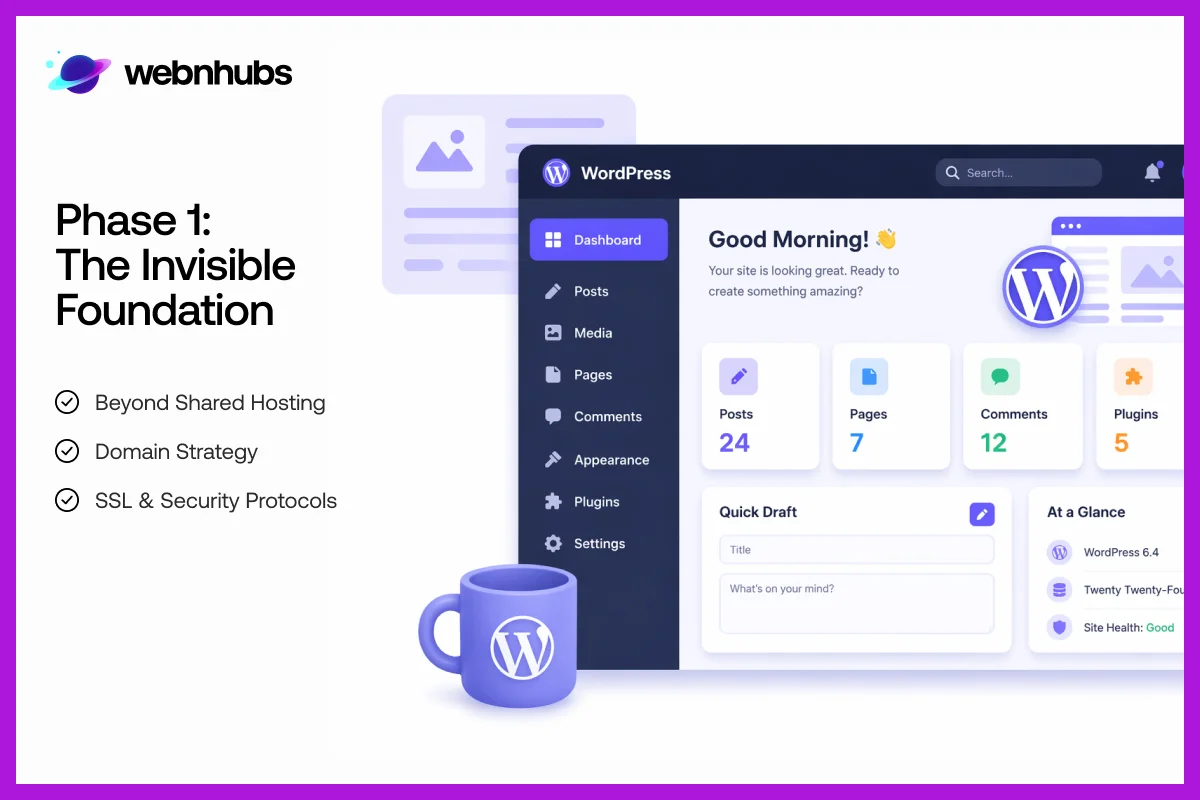
The first phase of how to build a WordPress website is to get the basics right. Your site needs to have a foundation before it looks nice.
This part is about CDN integration, hosting, and the DNS. These are things that work in the background. It is like making a house.
You need to make sure the base is solid. If the foundation is not strong, your site can be slow.
It will also not be safe. When you get this part right, your site will be fast. It will also be secure. The scalable WordPress architecture will make it ready to grow.
Beyond Shared Hosting
Next, you must choose between managed WP hosting vs shared hosting. Shared hosting is not expensive.
But it can make your website really slow. It can also make it unstable. These days, the speed of a site matters a lot.
That is why managed WordPress hosting is a better option. Managed WP hosting gives you a site that loads faster. It does database optimization and is also more secure.
More so, it updates automatically. This means you will have less to worry about. Also, the people who visit your site will have a better time.
This helps your site do well. It will also increase your Website User Experience (UX). And it will grow like a real business.
Domain Strategy
Your domain name is what people see when they look at your site. It is the name of your site. So you should pick a domain name that people can remember.
It must be special. Some people like to use words that people search for in their domain name.
This can make the domain name look dull. That is why go for a name that everyone can remember.
It must be related to your business, brand Identity, and Logo. This is so people can find your site. And they will trust it when they see it online.
SSL & Security Protocols
Security is important for your site. You should set it up before building it. SSL is what makes your site link go from “HTTP” to “HTTPS”.
This shows visitors that your site is safe. It protects information like passwords. It also protects contact details. Without SSL, your site will look unsafe to visitors.
If you add SSL from the start, people will trust your site. It also keeps your site and users safe from threats.
Phase 2: The Modern WordPress Setup
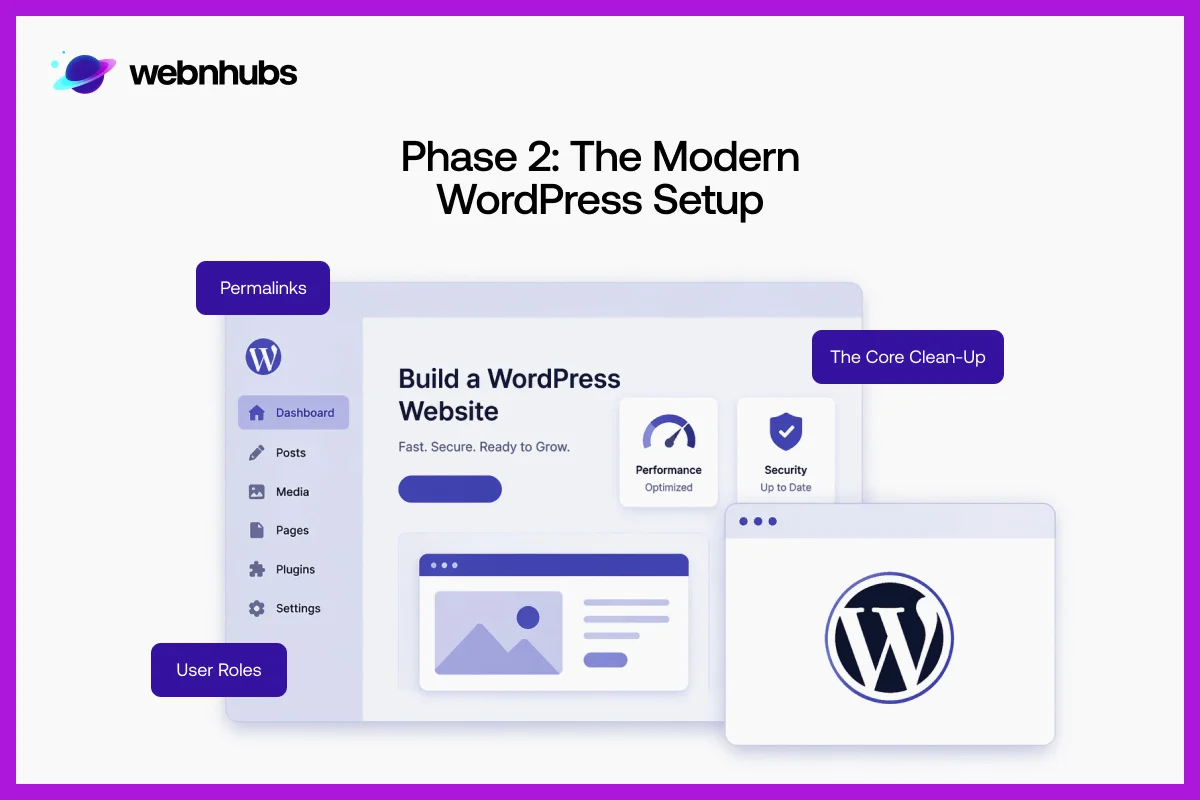
Now that your base is done, it is time to set up WP the right way. This phase is about keeping things clean. And this is the right way on how to build a WordPress website.
It is also about keeping things simple and fast. A modern WordPress setup avoids clutter. It only uses what is needed for your site.
By doing this, your site will load more quickly. It will work better. More so, it will be easier to manage as your Website Grows over time.
The Core Clean-Up
When you install WordPress, it comes with default things. It comes with some of its themes and plugins. These are the things that you do not really need.
These things can slow down your site. It also affects your speed scores, like LCP. So, you should clean out the things that you do not need.
You should just keep the things that you need. A simple and tidy WordPress setup makes your site faster.
It also makes it easier to manage. This makes it better for both the people who visit your site and the search engines.
Permalinks
Permalinks are the URLs of your pages. They are really important. Clean and simple URLs help search engines understand your content better.
This year, it is best to use short and easy to read URLs. Also, add keywords in them. You should avoid using long or messy links.
A clear URL helps with WordPress SEO. Also, it makes it easier for people to trust and click on your pages.
User Roles
User roles are very important. That is because they decide who and what they can do on your site. You should not let everyone do everything.
It is best to follow the “least privilege” rule. This means you only give people the permissions they need to do their job.
Writers who do Content Marketing for your site can write content. But they cannot change the settings. This keeps your site safe from mistakes.
It also prevents people from doing things they should not do. It also helps you manage your team in a more efficient way.
Struggling to Get Traffic on Your Website?
Get a FREE Website Audit & Discover What’s Holding Your Site Back!
Phase 3: Design Freedom vs. Performance

This part is about getting your site to look good and work fast at the same time. Fancy Marketing Designs are nice.
But they should not make your site slow. A good way to do this is by avoiding Website Design Mistakes. More so, you must use a design that works well.
When you do it with a Design Plan, your site looks good and loads fast. This makes people stay on your site for a longer time.
Gutenberg vs. Elementor/Divi
Gutenberg is the editor that comes with WordPress. It is getting more popular because it is easy to use. More so, it works quickly.
Some builders, like Elementor and Divi, give you more control over design. But they can make your site slower. This year, how fast your site loads and your Website SEO are very important.
Gutenberg’s way of building pages with blocks helps your Landing Pages load faster. This makes Gutenberg a better choice for sites where performance is key.
Bento Box Layouts
Bento box layouts are a design trend. They make content look neat and organized in box-style sections with lots of White Space.
This makes it easy to scan. The best part about Bento box layouts is that you can create them using WordPress blocks.
You do not need tools or expert Design Skills for that. This way, your design stays stylish. Your site also loads fast and looks fresh. It is user-friendly too.
Mobile-Responsive Logic
People usually look at sites on their phones. So when you are making a site, you should make it a Mobile Friendly Website. You must think about how it will look on a phone.
Your Graphic Designers must make sure the buttons are easy to press with your thumb. Also, the pages must be easy to scroll through. If you make your site work well on a phone, it will look good on a PC too.
This is a thing because it helps people have a good time on your site. And they will not leave right away either.
Phase 4: Integrating the AI Layer

Now it is time to make your site smarter with Artificial Intelligence. WordPress AI integration does not mean replacing the work that people do.
But it does mean making that work better. AI can help speed up things. It can make your Website Marketing Strategies better.
More so, it can make your site work faster. When you use AI the right way, it saves you time and keeps your site up to date.
Adding it to your site makes it ready for the things that will happen in the future. And it makes your site work well with smarter search systems.
AI Content Workflows
AI can help you write faster. But it should not replace your ideas. You can use AI as a helper to create drafts.
More so, you can use it to improve your grammar. You can also use it to get ideas for your writing. Always add your personal touch to the things you write.
This keeps the content human written and helpful to people who read it. This way, your site stays valuable for the people who visit it.
You do not have to worry about search engine penalties for putting up low-quality and automated content as well.
Automated Image Optimization
Images make sites slow if they are not optimized. That is why your Graphic Design must be on point. You must use WebP and AVIF formats to make image files smaller without losing quality.
You can use tools and plugins for this. This helps images load faster. Your pages feel smoother.
More so, visitors do not have to wait for them to load. It improves your site UX and SEO rankings.
VUI (Voice User Interface)
Voice search is really taking off. So your site needs to be ready for it. Voice User Interface or VUI is about making your site easy for voice assistants to understand and read out loud.
You should use a language that is easy to understand. Also, add answers to the questions that people ask.
This will help your site show up when people search with voice. It will also make your site easier to use for those folks.
Phase 5: The Essential Seven Plugin Stack
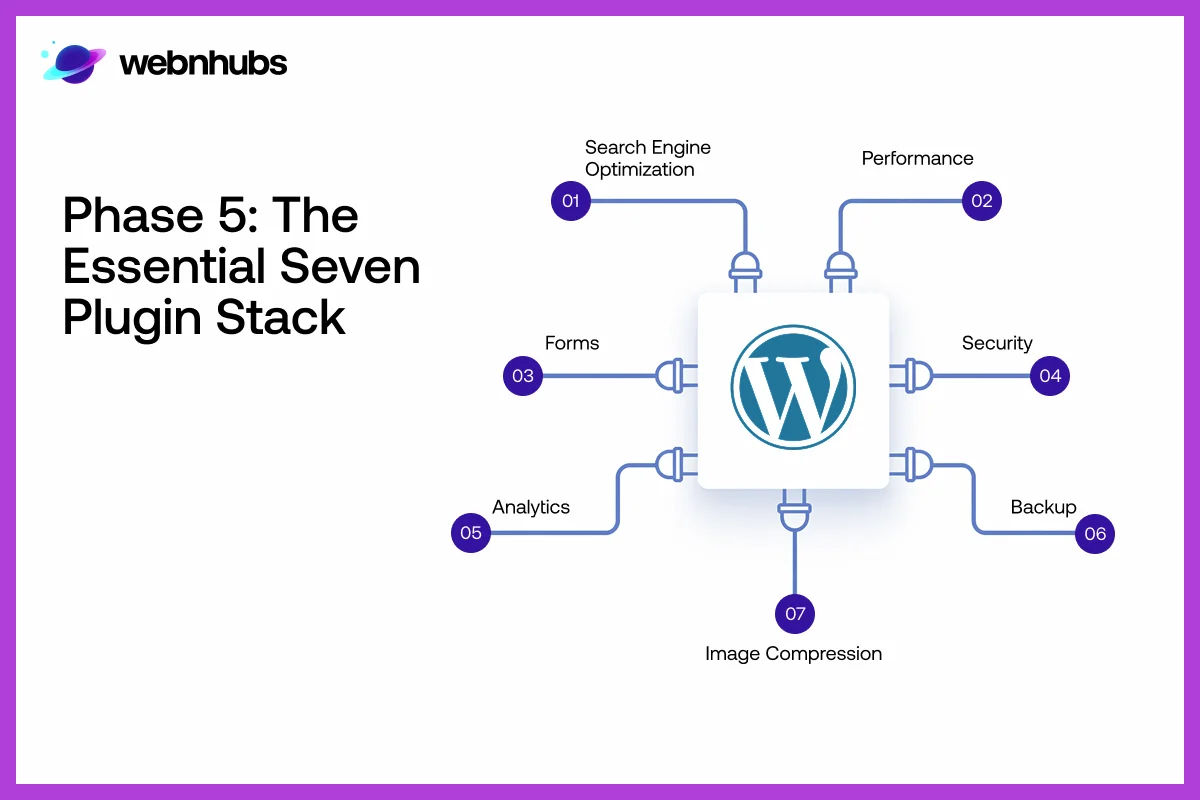
When you have plugins on your WordPress site, it can do a lot of things for you. But if you have too many plugins, it can cause trouble.
So you need to pick the plugins that are really important. You must have a group of plugins that work well together and have PHP 8.x compatibility.
This way, your site will be fast as well as easy to take care of. The idea is to use the plugins you need. And you must not use the ones you do not need. This will keep your site running.
- Crucial Rule: Having a lot of plugins does not mean you have a better site. If you use more than 10 plugins, it can be bad for your site. This is because each plugin adds work for your site. It will create “security debt.” Your site will become unsafe. It will also become slow. So you should choose quality over quantity. You must pick plugins that are trusted and work well. Do not use plugins that you do not really need.
SEO
SEO plugins are really helpful for your site. They rank your site higher on search engines. You can use a tool like RankMath. Or you can go with Yoast, for that matter.
These help you add keywords as well as meta descriptions and schema markup data. These will walk you through everything so you can make your content better.
This is good because search engines can understand what your site is about. Also, more people will visit your site. And you will get more sales from your site.
Performance
Performance plugins are really useful for your site. That is because they help it load faster. If you use something like WP Rocket or LiteSpeed Cache, these tools will store parts of your site.
This is so they do not have to load from scratch every time. This reduces loading times.
And it makes the UX better as well. When your site is faster, people visiting it are happy. This ranks your site higher on Google.
Security
Security plugins keep your site safe from hackers and threats. Tools like Wordfence or Sucuri add all types of protection.
They add things like firewalls, as well as malware scans and login protection. They work like a security guard for your site.
When you have security, your data stays protected. Also, visitors trust your site. They do not have to worry about risks or attacks on the site.
Forms
Forms help you get information from people who visit your site. It collects info like their contact details or queries.
The WPForms plugin makes it easy to create forms. These forms are easy to use. This also helps with conversion rate optimization (CRO).
That is because a good form design helps you get conversions. And it is because they are quick and easy to fill out.
This helps you connect with the people who visit your site. And it turns it into leads or customers.
Analytics
Analytics tools show how people use your site. Google Site Kit links your site to Google Analytics and Search Console.
This helps you track visitors. Also, you can know what they do on your site and how well it works.
You can use this information to find out what is good and what needs to be better. Then you can make choices to make your site grow.
Backup
Backups are a must for your site. If your site crashes or gets hacked, for that matter, that is when you can use a backup. It will get your site up and running in no time.
The UpdraftPlus plugin automatically makes copies of your site. This means you do not have to worry about losing your site.
You will be at peace knowing that your data is safe thanks to backups. And you can get it back anytime you need it. This way, you do not have to start from scratch with your site.
Image Compression
Image compression plugins help make your images smaller without losing quality. Tools like ShortPixel make your site load faster by making images smaller.
This is good because smaller images load more quickly. When images load more quickly, people have a good experience on your site. It also improves SEO.
Phase 6: Pre-Launch Quality Assurance

You must do an audit of your site. You must do it before launching the site. The testing process serves as the final check of all things that are supposed to work as intended.
This enables you to find issues before others. Checking your site carefully makes sure it is fast.
More so, it ensures it works smoothly and is ready to give people a good experience from the very beginning.
The Checklist
A checklist is helpful to review all details. You should test your site on browsers to ensure it displays correctly everywhere. Check for links so that users do not get stuck.
Also, check how fast your site loads on phones. These small checks make a difference in providing a smooth and professional experience for visitors.
Ready to Turn Visitors into Customers?
Let Webnhubs Design a Website that Actually Converts!
Core Web Vitals Test
Core Web Vitals for WP measure how fast and stable your site feels to the people who visit it. You must achieve green Core Web Vitals before you can proceed with your website launch.
Your Core Web Vitals demonstrate that your web pages achieve fast loading times. It will also show that they do not move around on the screen and respond quickly when people click on things.
When you pass these tests, it helps improve UX. More so, it gives you a better ranking on search engines.
Get Started With Webnhubs to Build a WordPress Website

If you are looking to create a WordPress website the right way, then you need help from PROs who know how to build a WordPress website.
And there is no better web design agency to do that than Webnhubs. Webnhubs offers the best WordPress Development Services.
We bring your design ideas to life by building a WordPress site that you can easily manage,
Webnhubs makes sure your site loads fast, is easy to use, and is ready to convert visitors into customers.
We will create a site that works for you and grows your firm. So, partner with Webnhubs and let us turn your site idea into a reality.
Final Thoughts
So, there you have it, folks, that is it for this blog on how to build a WordPress website. We hope that the six phases we shared in this blog can help you know how to build a WordPress website. As you know, there is a lot that goes into building a WP site. And if done right, it is something that helps your business grow over time. More so, keeping the site up and making it better is just as important.
If people are not visiting your site, it is because of an issue. You need to fix that immediately. You can get a free website audit growth report in 24 hours from Webnhubs. Webnhubs will help you find problems that you didn’t know about and make your WordPress site fast and safe. We will make your site good at turning visitors into customers. So, partner with Webnhubs and get your site audit today.
Frequently Asked Questions
No. WordPress is best for beginners. It has drag-and-drop editors. Automatic installation of themes also simplifies the setup.
Choose hosting with good speed. Make sure it has uptime and security. Ensure WordPress supports it for smooth site performance.
Pick a responsive and lightweight theme. Make sure it is SEO friendly. Check that it matches your brand and design goals.
Use caching plugins. You can also optimize images. Use a few plugins. Consider using reliable and fast host companies for quick-loading web pages.
Yes. Social media share buttons, feeds, or plugins can be incorporated to connect your site with social media.
You should implement SSL together with strong password protection and security plugins for your site. Site protection requires you to perform regular backups. This will help safeguard your site against potential threats.
Update them regularly. The aim is to guarantee security, performance, and compatibility with the latest WordPress version.
Yes. You can create an online store with WooCommerce.

Sultan Hanif is a seasoned wordsmith, who brings technology trends and innovations to life through his words. A tech-savvy gamer with a passion for all things football, Sultan blends his technical knowledge with creative storytelling to empower businesses and individuals alike.
